
Fylgja Image Banner
An image banner is a photo with a heading and a call to action laid over it, used
at the top of a landing page or a category. The image and the text share one grid
cell through the stack utility, and overlay darkens the photo just enough for
the text to hold contrast, so it needs no positioning and no custom CSS.
Preview
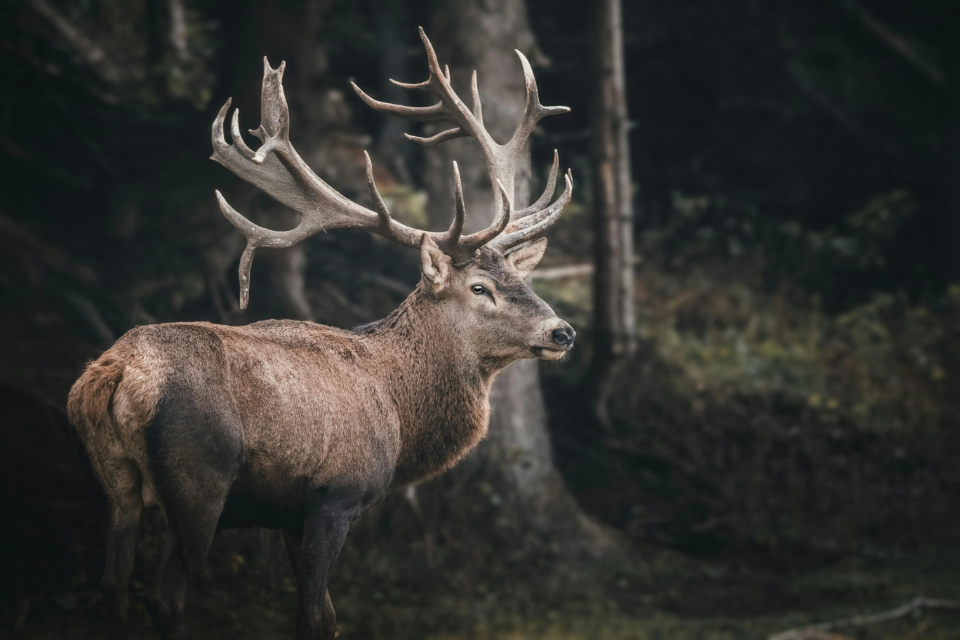
<section class="stack rounded clip" aria-labelledby="image-banner-title">
	<img
		src="/images/placeholders/deer-wide.webp"
		alt=""
		width="740"
		height="240"
		loading="lazy"
		class="w-full object-cover"
		style="--size-y: 280px"
	/>
	<div class="overlay grid align" style="--align: end start; --p: 1.5rem">
		<div class="flow" style="--flow: 0.5rem">
			<h2 id="image-banner-title" style="--h-size: 1.75rem">Into the misty woods</h2>
			<p>Stories from the quiet edges of the forest, gathered over one season.</p>
			<p><a href="#" class="btn --primary">Read the series</a></p>
		</div>
	</div>
</section>
Usage
- Put the
<img>and the text block as siblings inside astack, which lays them in the same grid cell. The one later in the source sits on top. - Set the banner height with
--size-yon the image, not on the section. The image sizes the grid row and the section follows, so the overlay is guaranteed to stretch to the same height. A fixed height on the section instead lets the row grow past it, which pushes a bottom-aligned overlay out of the clipped area. - Add
overlayto the text block for the scrim and the light text color. Tune it with--overlay-bgand--overlay-fg. - Place the text with
align.--align: end startdrops it to the bottom left;align-centercenters it instead. rounded cliprounds the banner and keeps the image inside the corners.
Anatomy
| Part | Responsibility |
|---|---|
.stack |
Puts the image and the text in the same grid cell. |
<img> |
The background photo, sized with object-cover. |
.overlay |
The scrim and the light text color over the photo. |
.align |
Where the text sits inside the banner. |
.flow |
Spaces the heading, text, and button without a leading margin. |
Accessibility
- The image is decoration here, so it takes
alt="". If it carries information the heading does not, describe it instead. - Name the banner with
aria-labelledbypointing at its heading, so it is a region a screen reader can find and skip. - Keep the scrim dark enough for the text to pass contrast at the busiest part of the photo, not the calmest. Text over a photo is the easiest place to lose it.
- Use a real heading level that fits the page outline. A banner at the top of a
page is usually the
<h1>.
Variants
Centered content
Swapping align for align-center centers the text, and replacing the scrim
gradient with a flat one keeps contrast even across the whole image.
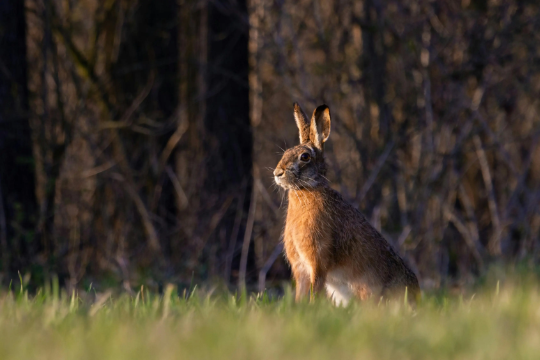
<section class="stack rounded clip" aria-labelledby="image-banner-center-title">
	<img
		src="/images/placeholders/hare.webp"
		alt=""
		width="500"
		height="300"
		loading="lazy"
		class="w-full object-cover"
		style="--size-y: 280px"
	/>
	<div class="overlay grid align-center text-center" style="--p: 1.5rem; border-image: 0 fill linear-gradient(hsl(0 0% 0% / 50%), hsl(0 0% 0% / 50%))">
		<div class="flow" style="--flow: 0.5rem">
			<h2 id="image-banner-center-title" style="--h-size: 1.75rem">Spring collection</h2>
			<p><a href="#" class="btn --primary">Shop now</a></p>
		</div>
	</div>
</section>
Examples
For a banner that puts the image beside the text instead of behind it, use the Split Banner. For a banner with no image at all, use the CTA Banner.
Related: CTA Banner, Split Banner.
FAQ
Why does the image have an empty alt?
The heading over the banner already carries the message, so the photo is decoration. An empty alt keeps a screen reader from reading the same thing twice. Give the image real alt text when it carries information the text does not.
How do I stack the text over the image without absolute positioning?
The stack utility puts every child in the same grid cell, so the overlay lands on top of the image with no positioning and no z-index. The overlay stays in flow, so it still sizes and wraps normally.
What does the overlay utility do?
It paints a gradient scrim over the element with border-image and sets the text color to white, through --overlay-bg and --overlay-fg. For an even scrim instead of a fade, replace the border-image with a two-stop gradient of the same color.
How do I control the banner height?
Set --size-y on the image. It sizes the grid row, and the section and the overlay follow, so that one value is enough. Use a breakpoint variant such as --md_size-y for a taller banner on wide screens. Do not put the height on the section instead, or the row can grow past it and push the overlay out of view.