
Fylgja Avatar
An avatar is a small round image standing in for a user or entity, with an initials
fallback when there is no photo. It is a plain <img> (or <span>) shaped with
Fylgja utilities, no dedicated component needed.
Preview
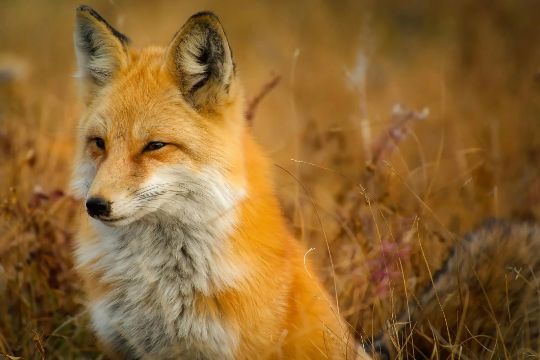 JD
JD<img class="round object-cover" style="--size: 3rem" src="/images/placeholders/fox.webp" alt="Jamie Fox" width="96" height="96" />
<span class="round flex align-center" style="--size: 3rem; background: var(--brand); color: var(--on-brand); font-weight: 600">JD</span>Usage
- Apply
roundto make the element a circle andobject-coverso a photo fills it without distortion. Set the size with--size(both width and height). - For a fallback, use a
<span class="round flex align-center">with the initials centered, and color it with--brandor any background.
Group
Overlap several avatars into a stack with a negative margin-inline-start on each
one after the first, and a ring (box-shadow) in the page background color so
they stay distinct. End with a count for the overflow.
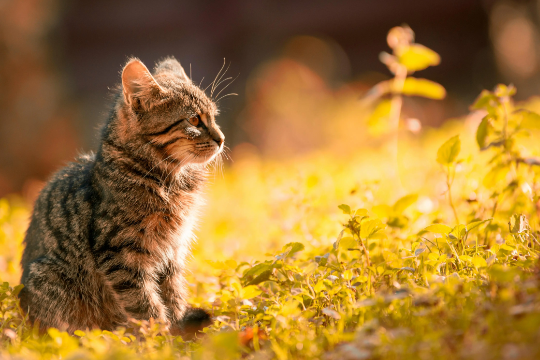
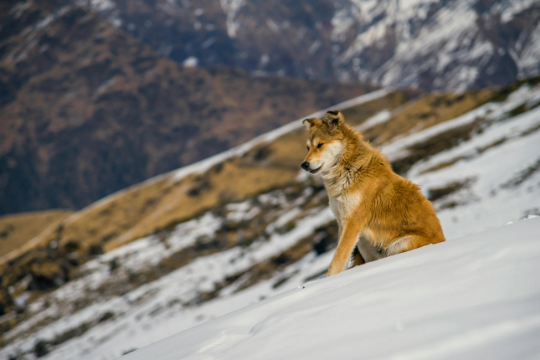 +5
+5
<div class="flex align">
	<img class="round object-cover" style="--size: 2.5rem; box-shadow: 0 0 0 3px var(--root-bg)" src="/images/placeholders/fox.webp" alt="Jamie Fox" width="96" height="96" />
	<img class="round object-cover" style="--size: 2.5rem; box-shadow: 0 0 0 3px var(--root-bg); margin-inline-start: -0.6rem" src="/images/placeholders/cat.webp" alt="Sam Cat" width="96" height="96" />
	<img class="round object-cover" style="--size: 2.5rem; box-shadow: 0 0 0 3px var(--root-bg); margin-inline-start: -0.6rem" src="/images/placeholders/dog.webp" alt="Alex Doe" width="96" height="96" />
	<span class="round flex align-center" style="--size: 2.5rem; box-shadow: 0 0 0 3px var(--root-bg); margin-inline-start: -0.6rem; background: color-mix(in oklab, var(--root-bg) 55%, var(--root-fg)); color: var(--root-bg); font-weight: 600; font-size: 0.8em">+5</span>
</div>
Accessibility
- Give a photo avatar a descriptive
alt(the person’s name). For a decorative or duplicated avatar, usealt="". - The initials fallback is text, so it is read as-is; keep it to the person’s initials.
Related: Badge, Media Card.
FAQ
How do I size an avatar?
Set the --size variable, which sets both the width and height, to any length such as 3rem. The round utility keeps it a circle at any size.
What if there is no photo?
Use a round element with the person's initials centered (round flex align-center) as a fallback, colored however you like.