Fylgja Gallery
A gallery shows a set of images as an even grid of thumbnails. It is a plain list
of <img> elements laid out with the auto-grid utility, so it reflows by the
available width without media queries, and the lightbox variant opens each image
in a native <dialog> with focus handling and a backdrop for free.
Preview
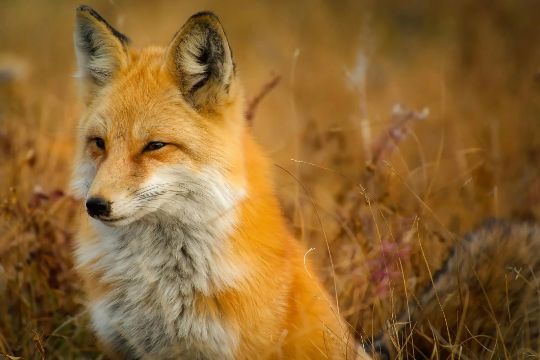
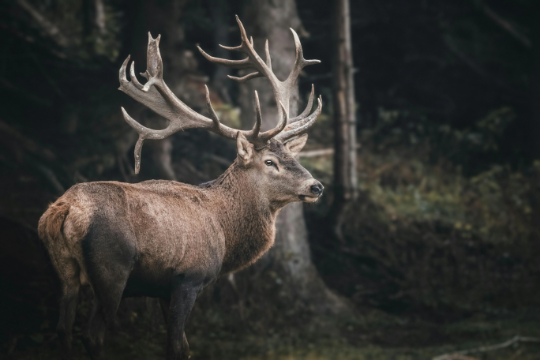
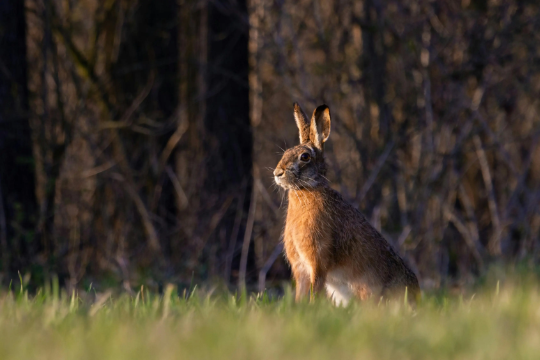
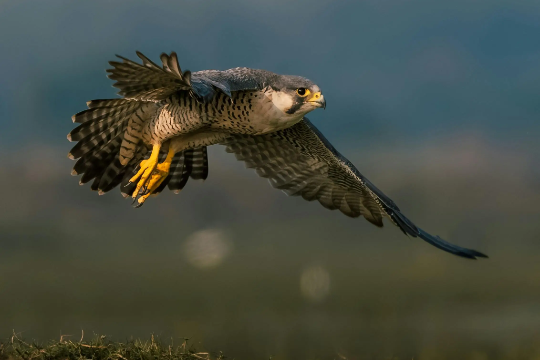
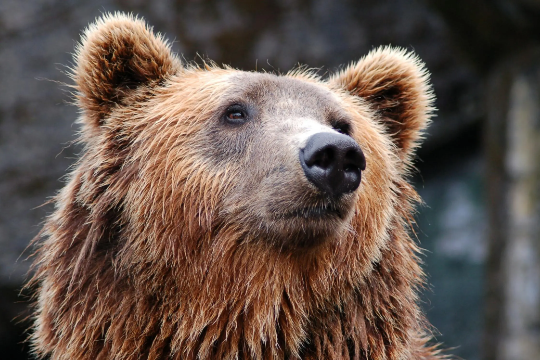
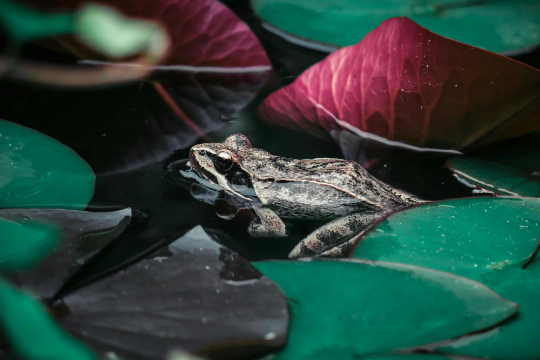

<ul role="list" class="auto-grid gap" style="--max-col-size: 10rem">
	<li>
		<img
			src="/images/placeholders/fox.webp"
			alt="An orange fox sitting in dry grass"
			width="540"
			height="360"
			loading="lazy"
			class="rounded"
		/>
	</li>
	<li>
		<img
			src="/images/placeholders/deer.webp"
			alt="A red deer stag with wide antlers in a dark forest"
			width="540"
			height="360"
			loading="lazy"
			class="rounded"
		/>
	</li>
	<li>
		<img
			src="/images/placeholders/hare.webp"
			alt="A hare sitting upright at the edge of a wood"
			width="540"
			height="360"
			loading="lazy"
			class="rounded"
		/>
	</li>
	<li>
		<img
			src="/images/placeholders/falcon.webp"
			alt="A falcon in flight over open ground"
			width="540"
			height="360"
			loading="lazy"
			class="rounded"
		/>
	</li>
	<li>
		<img
			src="/images/placeholders/bear.webp"
			alt="A brown bear looking up"
			width="540"
			height="360"
			loading="lazy"
			class="rounded"
		/>
	</li>
	<li>
		<img
			src="/images/placeholders/frog.webp"
			alt="A frog resting among lily pads"
			width="540"
			height="360"
			loading="lazy"
			class="rounded"
		/>
	</li>
</ul>
Usage
- Wrap the images in a
<ul role="list" class="auto-grid gap">and set the minimum thumbnail width with--max-col-size. - Give every
<img>itswidthandheight, so the browser reserves the space before it loads, andloading="lazy"so images below the fold wait. - When the images differ in size, add an
aspect-ratioandobject-coverso they crop to the same shape.
Lightbox
Wrap each thumbnail in a button that opens a modal with the
larger image and a caption. The --btn-px, --btn-py, and --btn-border-width
variables on the list strip the button padding and border, so only the image
shows. Every dialog needs its own id, matched by the thumbnail’s commandfor.
<ul role="list" class="auto-grid gap" style="--max-col-size: 10rem; --btn-px: 0; --btn-py: 0; --btn-border-width: 0">
	<li>
		<button type="button" commandfor="gallery-fox" command="show-modal" class="w-full">
			<img
				src="/images/placeholders/fox.webp"
				alt="An orange fox sitting in dry grass"
				width="540"
				height="360"
				loading="lazy"
				class="rounded"
			/>
		</button>
	</li>
	<li>
		<button type="button" commandfor="gallery-deer" command="show-modal" class="w-full">
			<img
				src="/images/placeholders/deer.webp"
				alt="A red deer stag with wide antlers in a dark forest"
				width="540"
				height="360"
				loading="lazy"
				class="rounded"
			/>
		</button>
	</li>
	<li>
		<button type="button" commandfor="gallery-hare" command="show-modal" class="w-full">
			<img
				src="/images/placeholders/hare.webp"
				alt="A hare sitting upright at the edge of a wood"
				width="540"
				height="360"
				loading="lazy"
				class="rounded"
			/>
		</button>
	</li>
	<li>
		<button type="button" commandfor="gallery-falcon" command="show-modal" class="w-full">
			<img
				src="/images/placeholders/falcon.webp"
				alt="A falcon in flight over open ground"
				width="540"
				height="360"
				loading="lazy"
				class="rounded"
			/>
		</button>
	</li>
</ul>

<dialog id="gallery-fox" closedby="any" aria-labelledby="gallery-fox-caption" class="flow-none">
	<figure>
		<img src="/images/placeholders/fox.webp" alt="An orange fox sitting in dry grass" width="540" height="360" loading="lazy" class="rounded" />
		<figcaption class="flex align gap" style="--py: 1rem 0">
			<span id="gallery-fox-caption">Red fox, late autumn</span>
			<button type="button" commandfor="gallery-fox" command="close" aria-label="Close">
				<svg width="24" height="24" viewBox="0 0 24 24" fill="none" aria-hidden="true">
					<path d="M6 6L18 18M18 6L6 18" stroke="currentColor" stroke-width="2" stroke-linecap="round" />
				</svg>
			</button>
		</figcaption>
	</figure>
</dialog>

<dialog id="gallery-deer" closedby="any" aria-labelledby="gallery-deer-caption" class="flow-none">
	<figure>
		<img src="/images/placeholders/deer.webp" alt="A red deer stag with wide antlers in a dark forest" width="540" height="360" loading="lazy" class="rounded" />
		<figcaption class="flex align gap" style="--py: 1rem 0">
			<span id="gallery-deer-caption">Red deer stag at dusk</span>
			<button type="button" commandfor="gallery-deer" command="close" aria-label="Close">
				<svg width="24" height="24" viewBox="0 0 24 24" fill="none" aria-hidden="true">
					<path d="M6 6L18 18M18 6L6 18" stroke="currentColor" stroke-width="2" stroke-linecap="round" />
				</svg>
			</button>
		</figcaption>
	</figure>
</dialog>

<dialog id="gallery-hare" closedby="any" aria-labelledby="gallery-hare-caption" class="flow-none">
	<figure>
		<img src="/images/placeholders/hare.webp" alt="A hare sitting upright at the edge of a wood" width="540" height="360" loading="lazy" class="rounded" />
		<figcaption class="flex align gap" style="--py: 1rem 0">
			<span id="gallery-hare-caption">Brown hare in the morning sun</span>
			<button type="button" commandfor="gallery-hare" command="close" aria-label="Close">
				<svg width="24" height="24" viewBox="0 0 24 24" fill="none" aria-hidden="true">
					<path d="M6 6L18 18M18 6L6 18" stroke="currentColor" stroke-width="2" stroke-linecap="round" />
				</svg>
			</button>
		</figcaption>
	</figure>
</dialog>

<dialog id="gallery-falcon" closedby="any" aria-labelledby="gallery-falcon-caption" class="flow-none">
	<figure>
		<img src="/images/placeholders/falcon.webp" alt="A falcon in flight over open ground" width="540" height="360" loading="lazy" class="rounded" />
		<figcaption class="flex align gap" style="--py: 1rem 0">
			<span id="gallery-falcon-caption">Peregrine falcon on the hunt</span>
			<button type="button" commandfor="gallery-falcon" command="close" aria-label="Close">
				<svg width="24" height="24" viewBox="0 0 24 24" fill="none" aria-hidden="true">
					<path d="M6 6L18 18M18 6L6 18" stroke="currentColor" stroke-width="2" stroke-linecap="round" />
				</svg>
			</button>
		</figcaption>
	</figure>
</dialog>
Anatomy
| Part | Responsibility |
|---|---|
<ul class="auto-grid gap"> |
The grid, reflowing by available width. |
<img> |
A thumbnail, with its own alt, width, and height. |
<button command="show-modal"> |
Lightbox only. Opens the dialog for its image. |
<dialog> with <figure> |
Lightbox only. The large image and its caption. |
Accessibility
- Write an
altthat describes each image. In the lightbox, the thumbnail’saltalso names its button, so it tells the reader what opens. - Label each dialog with
aria-labelledbypointing at its caption. - The dialog moves focus in when it opens and returns it to the thumbnail when it closes. Escape closes it, and so does a click on the backdrop.
- Give the icon only close button an
aria-label.
Related: Bento Grid, Modal, Carousel.
FAQ
How do I change the number of columns?
auto-grid fits as many columns as the width allows. Lower the --max-col-size variable for more, smaller thumbnails, or raise it for fewer, larger ones.
My images have different sizes. How do I keep the grid even?
Give every image the same aspect-ratio, such as 1 for squares, and the object-cover utility, so each one is cropped to fill its cell instead of stretching.
Does the lightbox need JavaScript?
No. Each thumbnail is a button with invoker commands that opens its own dialog, and closedby lets Escape or a click on the backdrop close it again.
Can the lightbox step to the next image?
Not with one dialog per image. Previous and next buttons need a script that swaps the image in a single dialog, or a Carousel inside the dialog.
Should the thumbnail load the full size image?
Ideally not. Point the thumbnail at a small version and the dialog at the large one. The dialog image only loads once it is shown when you add loading lazy to it.